
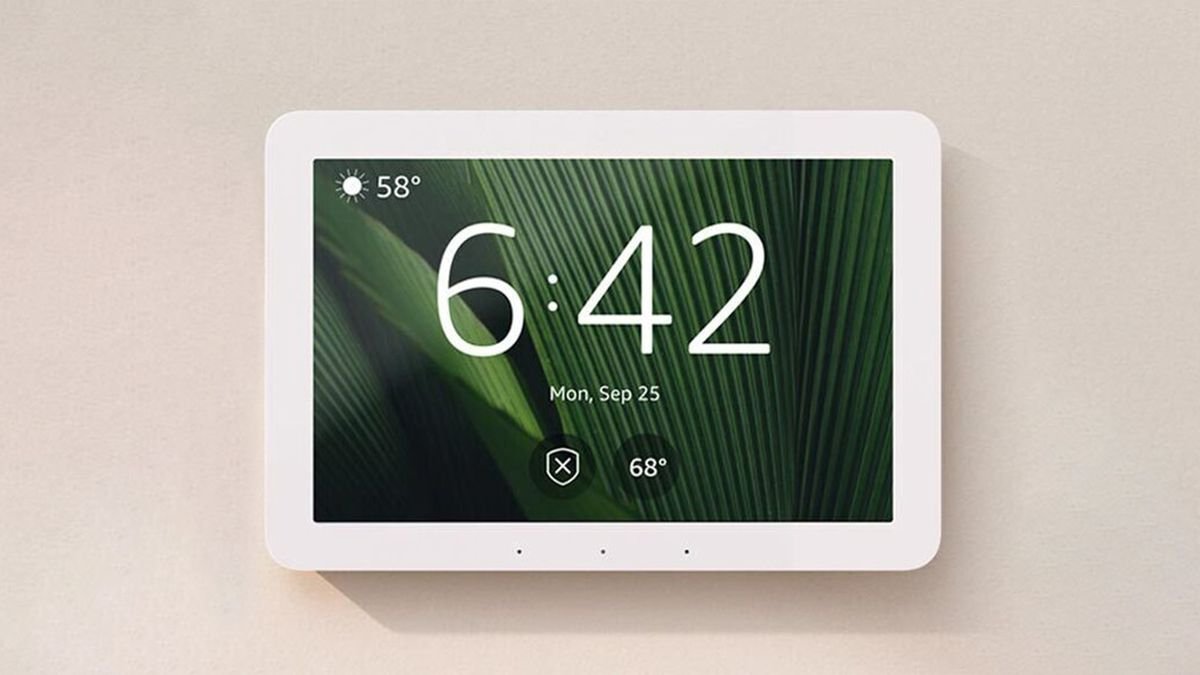
The Echo Hub is Amazon’s first device built specifically to be a hub — not a speaker that happens to control things. In 2026 hub round-ups it stands out as the most practical whole-home control panel for Alexa households. What it is An 8-inch touchscreen that mounts on your wall (or sits on a stand) and shows every device in your home at a glance. You can build scenes with a few taps, check camera feeds without opening your phone, and give guests or family a control point that does not require anyone’s phone at all. Connectivity The Echo Hub is a proper smart home hub: it speaks Zigbee, Thread and Matter, and acts as a Thread border router. Paired with Alexa routines, it handles the most common automations locally, which keeps them fast and working even during internet outages — the defining trend of 2026 smart home hubs. Alexa+ ready With Amazon rolling out Alexa+, its LLM-powered assistant, across the Echo line, the Hub becomes more useful over time: conversational commands, context awareness and complex multi-device scenarios without memorised phrases. The downsides The speaker is mediocre — this is a control panel, not a music device. And if your household lives in Apple Home or Google Home, the Hub’s value drops sharply; it is an Alexa device first. Verdict 8.5/10. The best physical control centre for an Alexa smart home. Combine it with satellite Echo speakers for voice coverage and you have a genuinely family-friendly system. Buy it if: your home runs on Alexa and you want one place to control everything.Skip it if: you are in the Apple or Google ecosystem.
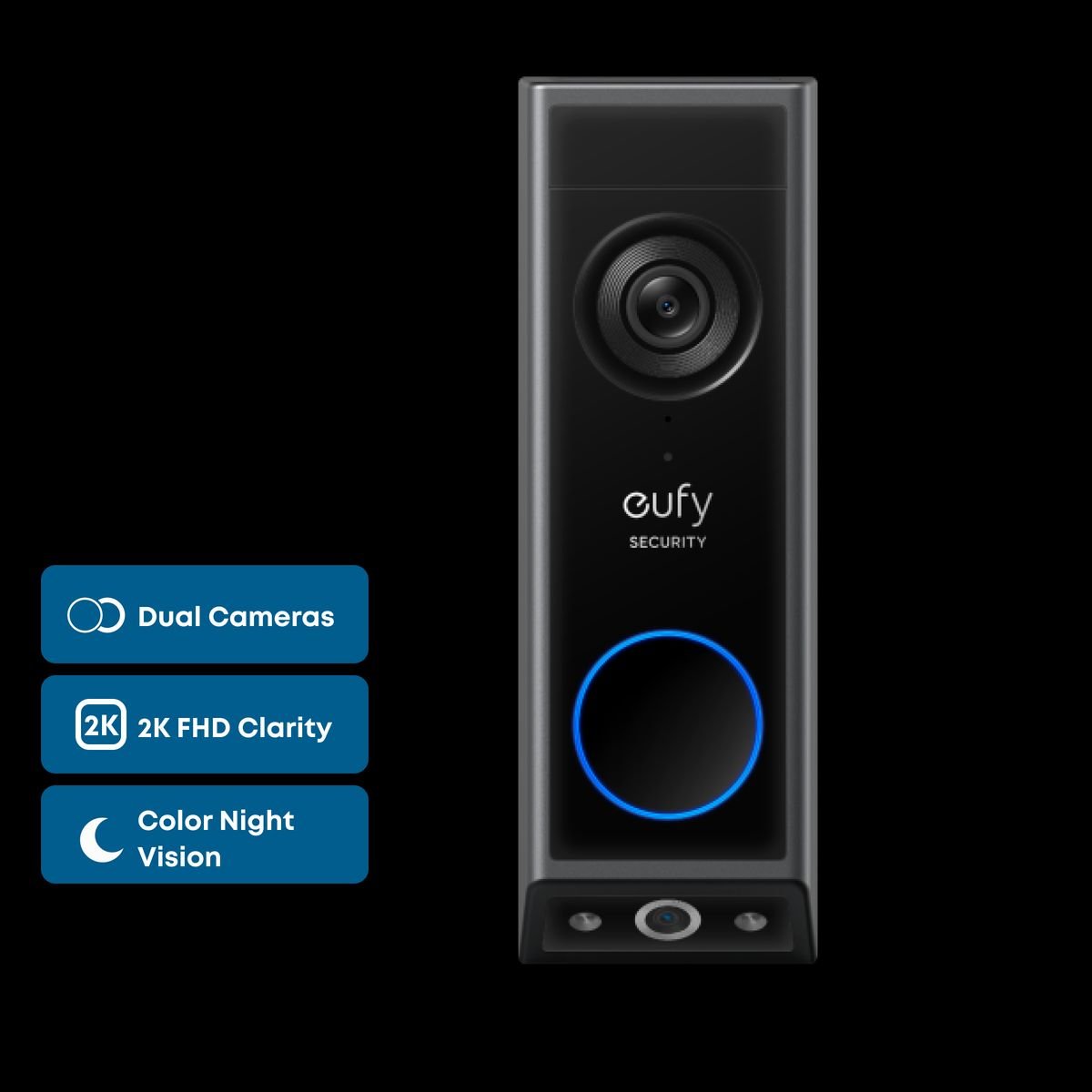
Eufy Video Doorbell E340 Review: The Doorbell With No Monthly Fees
Most video doorbells hide their best features behind a subscription. The Eufy Video Doorbell E340 takes the opposite path — and that is exactly why several 2026 round-ups call it the most complete doorbell for most buyers. No subscription, full features Video recording, package detection, facial recognition and AI motion alerts are all included forever, stored on 8GB of built-in local storage. Compared with a typical cloud plan, that saves around $48 per year — the doorbell effectively pays for itself. Two cameras, one doorbell The E340’s party trick is its dual-camera design: a main camera watches faces at the door while a second, downward-facing camera watches the doormat — so you can see both the courier and the package they left. Colour night vision keeps footage usable after dark. Everyday use Motion alerts are fast and the AI reliably distinguishes people from passing cars. It works on battery or wired power, integrates with Alexa and Google Home, and the Eufy app makes scrubbing through events simple. The downsides There is no native Apple Home support, and local storage means that if someone steals the doorbell, they take the footage with it (Eufy mitigates this with encrypted storage and theft replacement). Serious Apple households should look at the Aqara G5 Pro instead. Verdict 9/10. The best value in video doorbells in 2026: every feature included, no monthly fees, and a genuinely useful second camera. Buy it if: you refuse to pay subscriptions and want package detection done right.Skip it if: you need Apple HomeKit Secure Video.
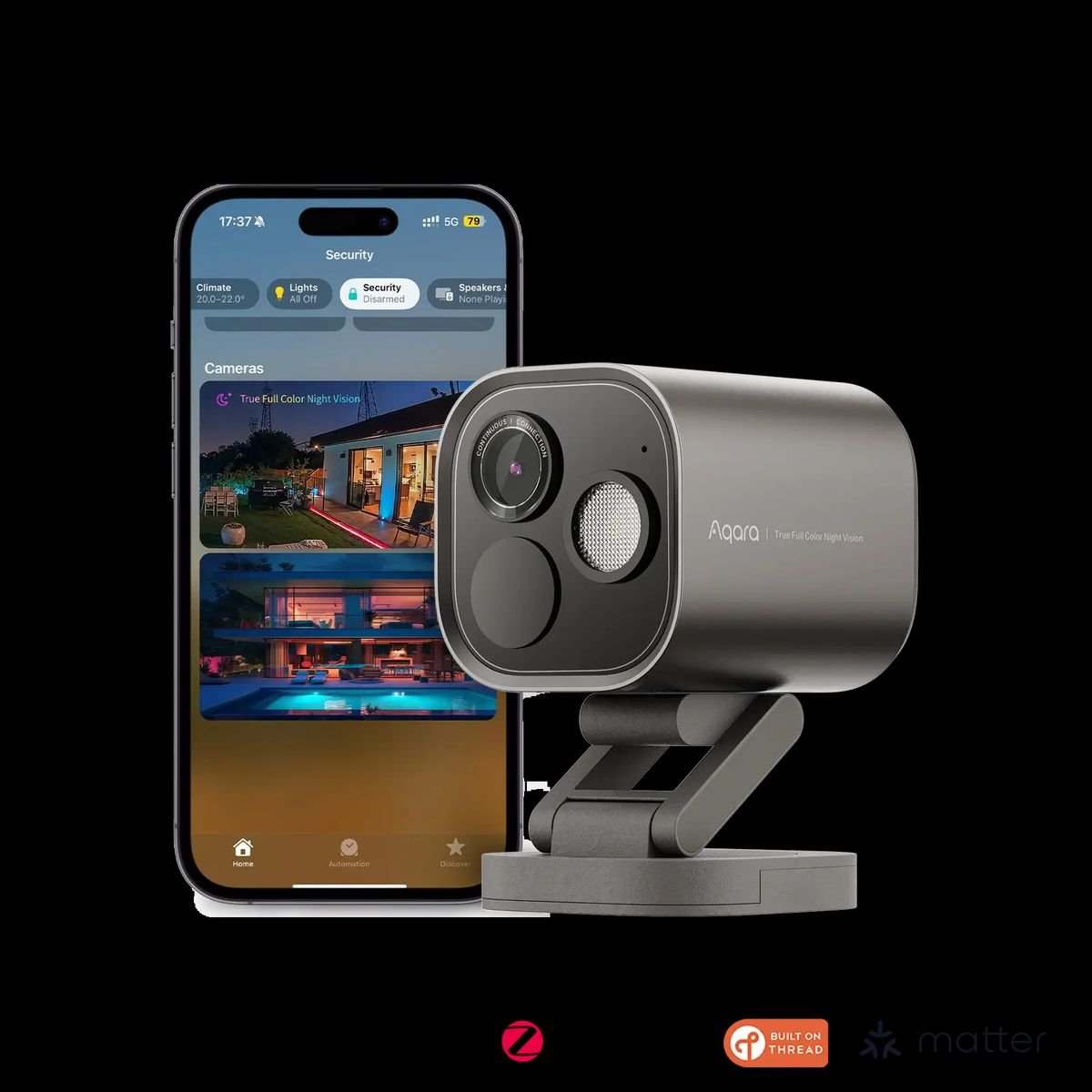
Aqara Camera Hub G5 Pro Review: A Security Camera That Runs Your Smart Home
The Aqara Camera Hub G5 Pro is two devices in one: a serious outdoor security camera and a full smart home hub. Reviewers at Tom’s Guide, Macworld and MacStories rate it among the best outdoor cameras of 2026 — especially for Apple households. Camera quality The G5 Pro records at 4MP resolution with True Color Night Vision, so night footage keeps its colour instead of dropping to grainy infrared. Detection of people, animals and packages has proven consistently accurate in long-term testing, and events load almost instantly when scrubbing back through footage. The hub inside This is what makes the G5 Pro special: it doubles as a Zigbee and Thread hub and a Matter controller. Mount one outside and you have extended your smart home network to the garden — it works with Apple Home, Alexa, Google Home, Home Assistant, Homey and SmartThings. Installation and connectivity It supports Power over Ethernet (PoE) — one cable for power and data — plus dual-band Wi-Fi (2.4GHz and 5GHz) for flexible placement. Reviewers report it never dropped off the network across weeks of use. The downsides The Aqara app is less polished than rivals, and the camera delivers its full value mainly inside an Apple HomeKit household, where HomeKit Secure Video integration shines. Price and verdict At $159–189, the G5 Pro undercuts most premium outdoor cameras while doing more. 9/10 — the best outdoor camera for HomeKit users in 2026, and a clever network extender for everyone else. Buy it if: you use Apple Home or want camera + hub in one device.Skip it if: app polish matters more to you than hardware capability.
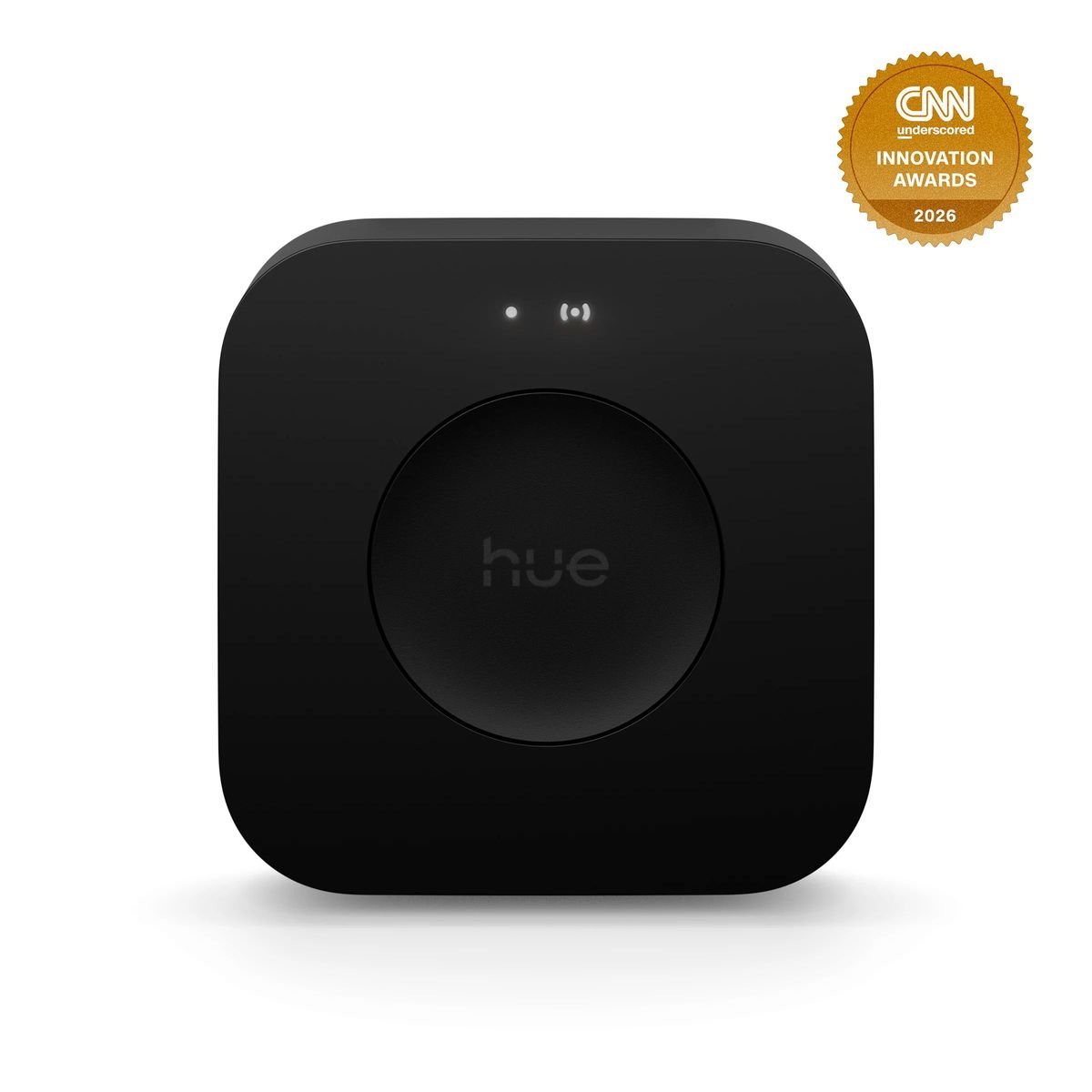
Philips Hue Bridge Pro Review: The Upgrade Hue Fans Waited a Decade For
The original Hue Bridge served for over ten years — and it showed. The new Hue Bridge Pro finally gives Philips Hue a brain worthy of its bulbs, and reviewers from T3 to Trusted Reviews are calling it a vital upgrade. What changed Under the hood sits a quad-core Cortex-A35 at 1.7GHz with 8GB of RAM and 8GB of storage — a huge leap from the old Bridge. Capacity jumps from 50 lights and 12 accessories to 150 lights and 50 accessories, with room for 500 custom scenes and far more complex automations. Performance Commands execute instantly — whether from the Hue app, Google Assistant or Siri, even multi-room colour changes land in a fraction of a second. The Pro also adds Wi-Fi connectivity, so it no longer needs to live next to your router on an Ethernet cable. Migration and Matter Moving from an old Bridge takes under 30 minutes: rooms, scenes and lights sync automatically, and reconnecting Apple Home and Google Home is painless. Native Matter support is built in, making the whole system future-proof. Price $98.99 / £79.99 — roughly double the old Bridge. For installations with 20+ lights, the performance alone justifies it. Verdict 9/10. If you are invested in Hue, this is the single best upgrade you can make in 2026. If you only run a handful of bulbs, the standard Bridge still does the job. Buy it if: you have a medium-to-large Hue setup or plan to grow.Skip it if: you have fewer than 10 lights and no speed complaints.
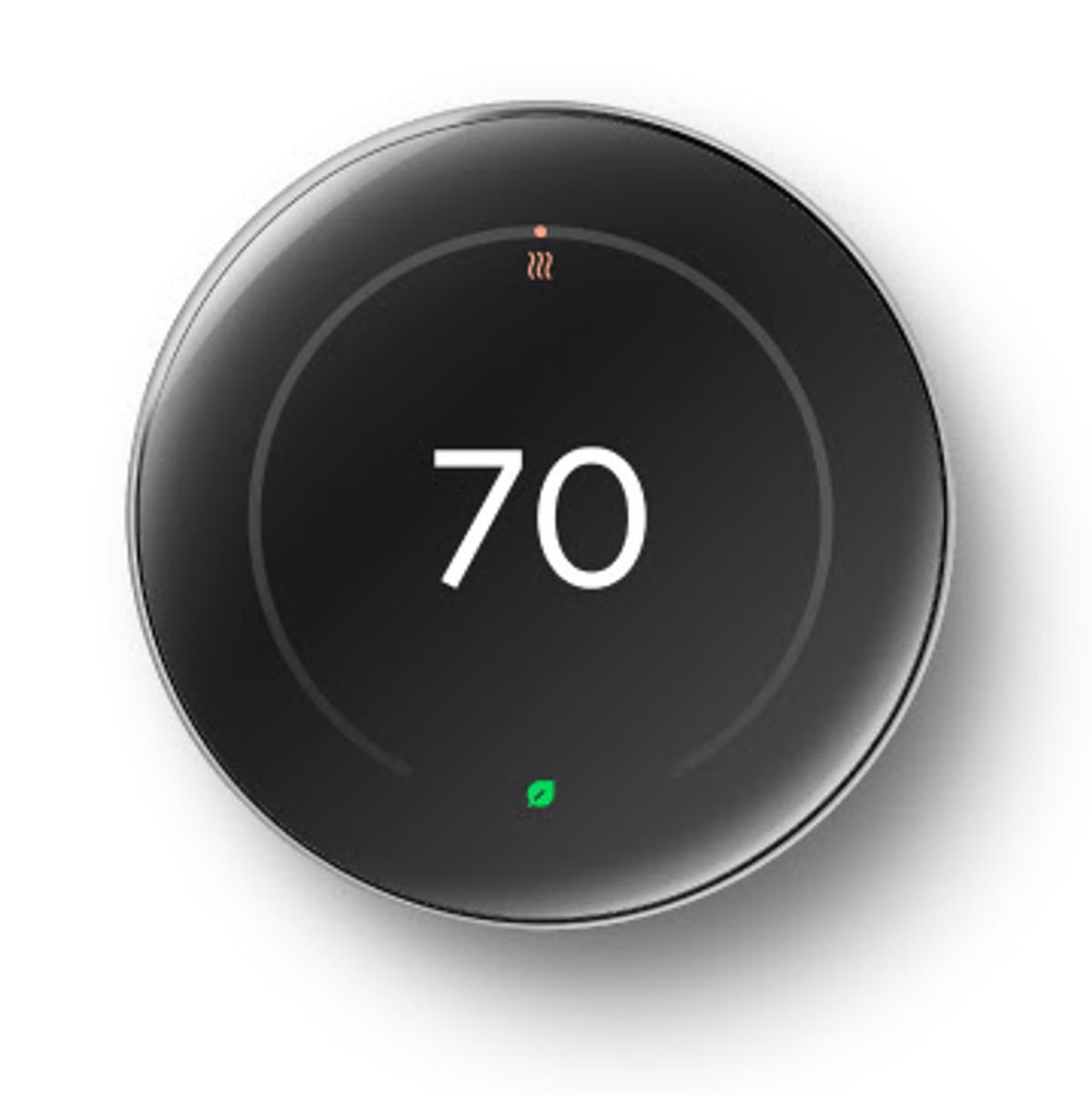
Nest Learning Thermostat (4th Gen) Review: Smarter, Sleeker, Pricier
Google’s Nest Learning Thermostat practically invented the smart thermostat category, and the 4th generation is its biggest redesign yet. Reviewers at Tom’s Guide, TechHive and TechGearLab agree it is a meaningful upgrade — with one recurring complaint: the price. Design and display The new model is slimmer, with a 60% larger crystal LCD display (2.7-inch, 600 x 600 pixels) behind polished glass. It comes in polished silver, obsidian and gold, and looks more like a piece of jewellery than an HVAC control. A built-in Soli radar sensor detects when you approach and wakes the display with useful info. Features The headline is still learning: the thermostat builds a schedule around your routines and can save up to 31% on heating and cooling bills. It works with most 24V systems (gas, electric, oil, forced air, heat pump, radiant), and a Nest Temperature Sensor (2nd gen) is included in the box to even out hot and cold rooms. Crucially for 2026, it is Matter-certified: you can control it from Google Home, Apple Home, Alexa or any Matter-compatible app — a first for the Learning Thermostat line. Price $279 on its own, or around $435 with professional installation. That is firmly premium territory. Verdict 8.5/10. The best-looking, smartest thermostat you can buy, with real energy savings and — finally — Matter support that frees it from the Google ecosystem. If your budget is tighter, previous-generation Nest models still work brilliantly for far less. Buy it if: you want top-tier design, learning schedules and multi-ecosystem support.Skip it if: a $100 thermostat already covers your needs — the savings math takes years at $279.
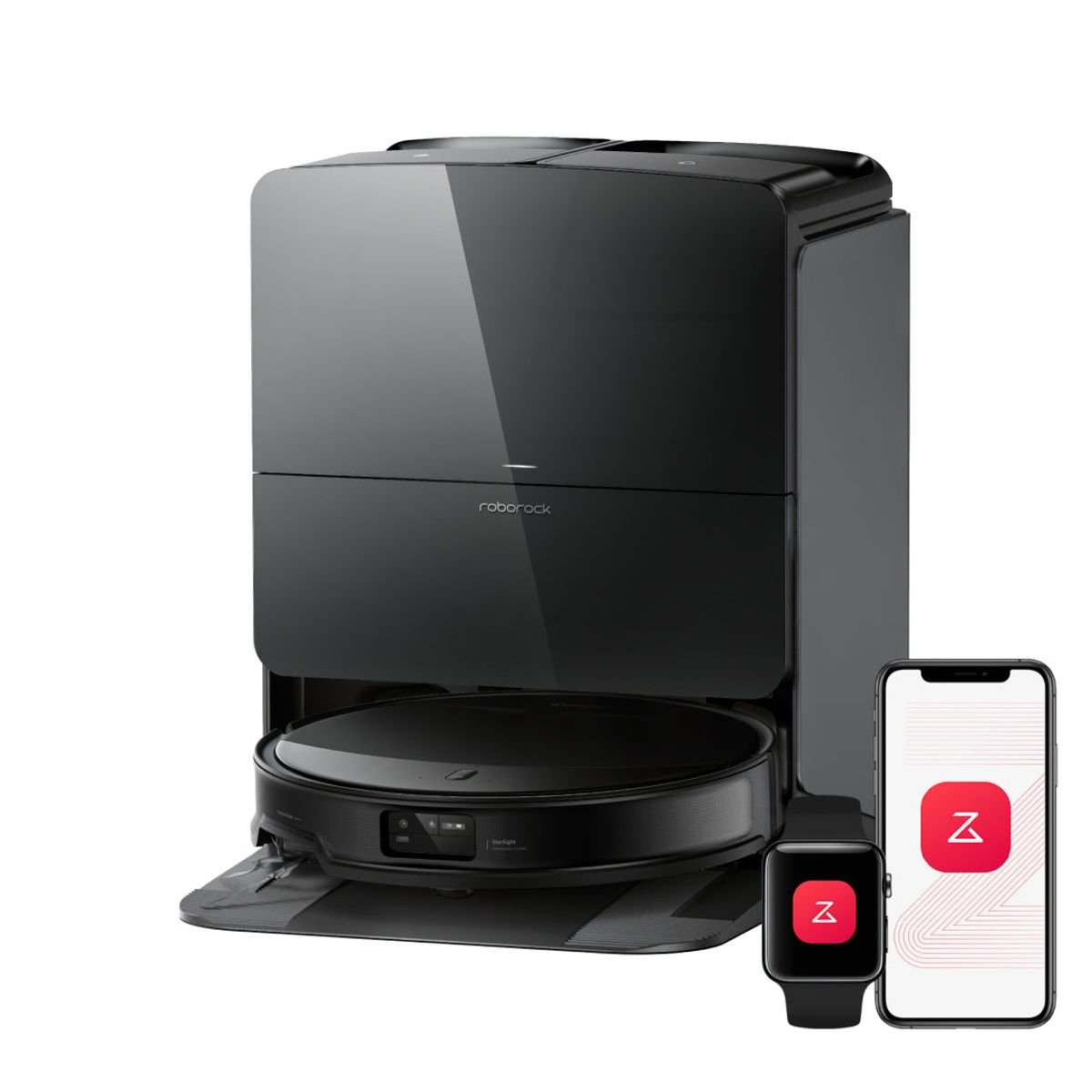
Roborock Saros 10R Review: The Robot Vacuum to Beat in 2026
Robot vacuums have quietly become the most impressive category in the smart home, and in 2026 one model keeps landing at the top of independent test rankings: the Roborock Saros 10R. Vacuum Wars named it their #1 robot vacuum overall, RTINGS rates it the best they’ve tested, and Tom’s Guide recorded near-perfect cleaning scores. At $1,599.99 it is emphatically not cheap — so is it worth it? What makes it different It’s remarkably slim. At just 3.14 inches (8 cm) tall, the Saros 10R ditches the traditional raised LiDAR turret. Instead it uses Roborock’s StarSight Autonomous System 2.0, which combines solid-state time-of-flight sensors with an RGB camera. The practical result: it slides under sofas, beds, and TV stands that stop taller robots, while still navigating precisely. Obstacle avoidance is best-in-class. Vacuum Wars gave it a perfect 24/24 score in their obstacle course and their Best Obstacle Avoidance award. Cables, socks, pet accidents — it identifies and steers around them instead of eating them. It doesn’t tangle. The DuoDivide main brush uses two brush rolls with a gap in the middle that channels hair into the suction path. In long-hair and pet-hair testing it stayed essentially tangle-free — a genuine relief for pet owners who are used to scissors-and-brush maintenance sessions. Cleaning performance With up to 22,000 Pa of suction, raw power isn’t in question. In Tom’s Guide lab testing it picked up 99% of Cheerios, 100% of kitty litter, and 100% of pet hair on hardwood, with an overall cleaning score of 98.5%. Carpet performance is strong too, helped by the FlexiArm system that extends reach into corners and along edges — historically the weak spot of round robots. For mopping, the 10R uses dual spinning pads that can extend outward to clean along baseboards, and the pads lift automatically on carpet. The dock does almost everything The included Multifunctional Dock 4.0 is a big part of the price, and it earns it: Combined with a 6,400 mAh battery that handles large homes on a single charge, day-to-day involvement drops to replacing a dust bag every month or two. Smart home integration The Roborock app offers detailed multi-floor mapping, room-by-room scheduling, no-go zones, and per-room suction/mopping settings. Voice control works with Alexa, Google Home, and Apple Home. It’s one of the most polished apps in the category. The downsides The price is the obvious one: $1,599.99 buys a very good used car’s worth of vacuum. The dock is large and needs clearance, and like all camera-equipped robots, privacy-conscious buyers should note there’s an RGB camera on board (Roborock processes obstacle recognition on-device). If your budget is tighter, the Dreame L60 Ultra PE and Mova P10 Pro Ultra deliver a large share of this performance for less. Verdict 9.5/10. The Saros 10R is the most complete robot vacuum of 2026: ultra-slim, nearly maintenance-free, tangle-proof, and top-of-class in both cleaning and obstacle avoidance. If you can stomach the price, this is the one to buy. If you can’t, wait for a sale — Roborock discounts aggressively around major shopping events. Buy it if: you want the best hands-off vacuum-and-mop experience money can buy, especially with pets or low furniture.Skip it if: you’re budget-conscious — mid-range 2026 models now deliver 80% of this experience for half the price.
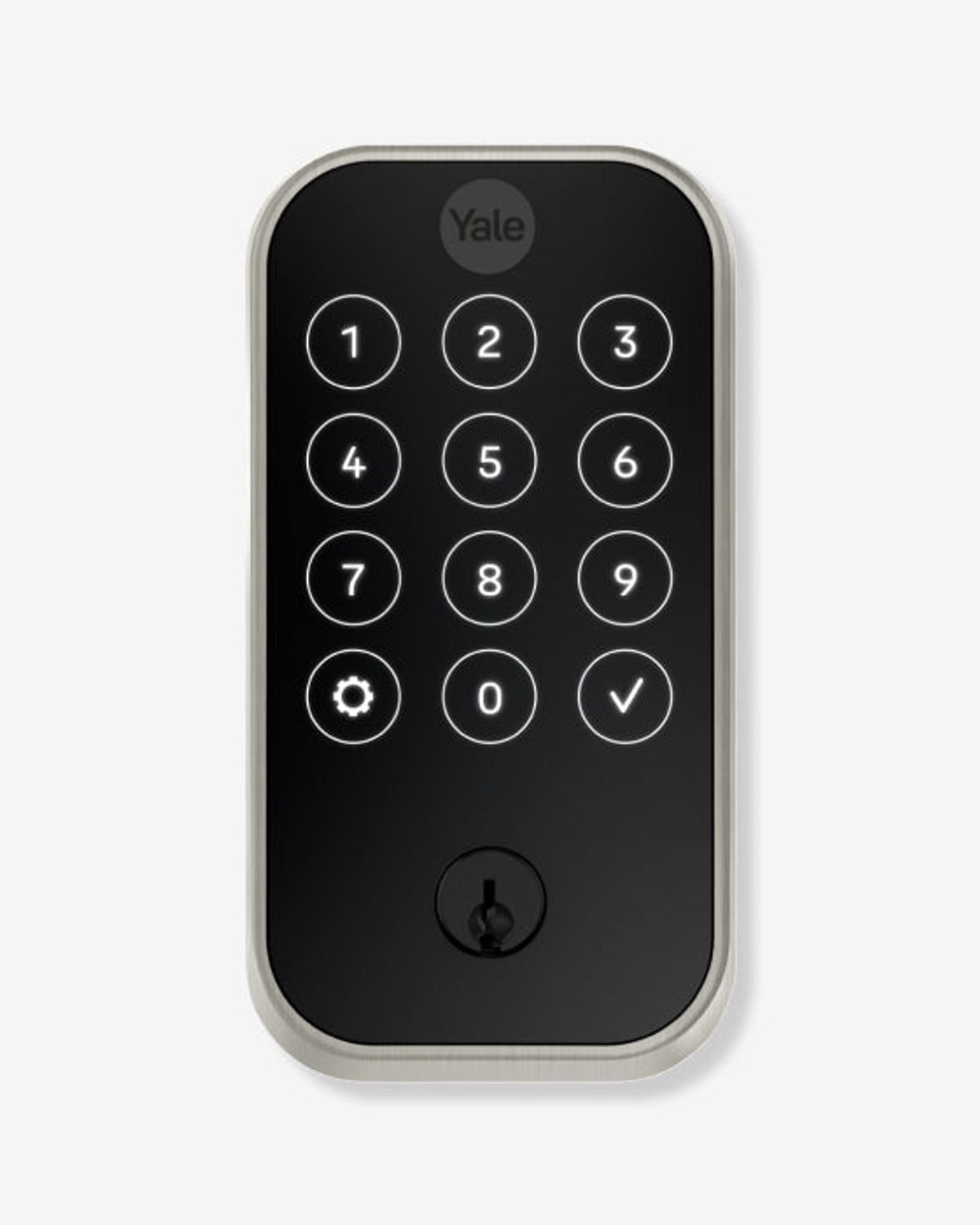
Yale Assure Lock 2 Review: The Do-Everything Smart Lock for 2026
If you’re replacing your front-door deadbolt with a smart lock in 2026, one name keeps topping the tested rankings: the Yale Assure Lock 2. Reviewers at Consumer Reports, Tom’s Guide, Engadget, and TechRadar have all put it through weeks of real-world use, and the consensus is clear — it offers the best combination of security, features, and smart home compatibility for most homeowners. Here’s why. Design and versions The Assure Lock 2 isn’t one lock but a small family. It comes in four versions — keyed touchscreen, keyless touchscreen, keyed keypad, and keyless keypad — and three finishes: black suede, oil-rubbed bronze, and satin nickel. Whether you want a sleek glass touchscreen or physical buttons, and whether you want a backup keyhole or a fully keyless design, there’s a configuration for you. Build quality is solid: it’s a proper deadbolt with an ANSI/BHMA Commercial Grade 2 rating, powered by four AA batteries. Pricing That positions it in the mid-range — noticeably cheaper than premium rivals like the Level Lock Pro, while offering more connectivity options than most budget locks. Smart home connectivity: the real selling point Out of the box, every Assure Lock 2 includes Bluetooth and Apple Home support built in. From there, Yale sells snap-in modules that add Wi-Fi, Z-Wave, or Matter — so the lock can grow with your smart home instead of locking you into one ecosystem. In a year when Matter compatibility is the smartest box to tick, this modular approach is a genuine advantage. Everyday features The Yale Access app supports up to 250 PIN codes, so you can give family members permanent codes and guests or cleaners temporary ones. Other highlights: Installation If you’ve never installed a lock, this is one of the friendliest experiences available. Reviewers consistently praise the Yale Access app’s setup process, which walks you through every hardware and software step with videos and diagrams. If your door already has a standard deadbolt, expect 15–30 minutes with a screwdriver. The downsides No product is perfect. The Wi-Fi module is an extra cost that pushes the real-world price toward $240–260, and Wi-Fi connectivity draws more battery than Bluetooth alone. TechRadar also called the design “generic but reliable” — this is not a statement piece like the invisible Level Lock. And if brute-force resistance is your absolute top priority, Consumer Reports’ testing gives the edge to the keyless Kwikset Obsidian. Verdict 9/10. The Yale Assure Lock 2 does everything most people need a smart lock to do, does it reliably, and — thanks to its modular Matter/Wi-Fi/Z-Wave support — won’t be orphaned when your smart home ecosystem evolves. For most homeowners in 2026, this is the smart lock to buy. Buy it if: you want broad smart home compatibility, guest codes, and easy installation at a fair price.Skip it if: you want an invisible lock (Level Lock Pro) or maximum pick/drill resistance (Kwikset Obsidian).
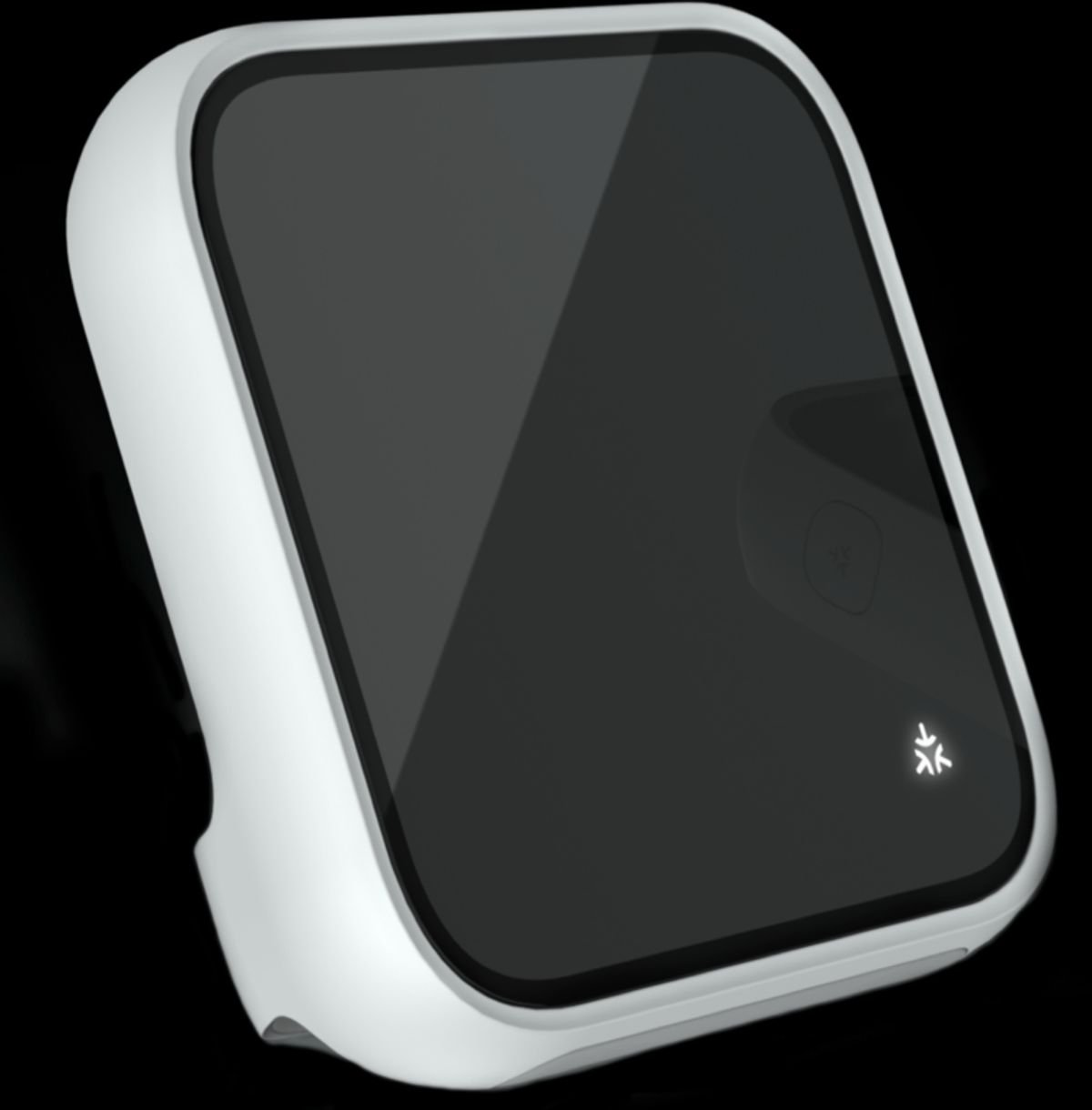
How to Start a Smart Home in 2026: The Beginner’s Guide to Matter, Thread, and Choosing Your Ecosystem
Building a smart home used to mean picking a side. Buy into Amazon Alexa and your Apple-loving family members were out of luck; commit to Google and half the gadgets on the shelf wouldn’t talk to your hub. In 2026, that wall has largely crumbled — and the reason is a pair of technologies you’ll see printed on almost every smart home box: Matter and Thread. This guide explains what those terms actually mean, how to pick your first hub, and which devices to buy first so you don’t waste money on gear that will be obsolete in a year. Matter and Thread, explained in plain English Matter is a universal smart home standard backed by Apple, Google, Amazon, Samsung, and hundreds of other manufacturers. Think of it as a common language: a Matter-certified smart bulb will work with Apple Home, Google Home, Amazon Alexa, or Samsung SmartThings — whichever you choose, now or later. Thread is the network many Matter devices use to communicate. Unlike Wi-Fi, Thread is a low-power mesh network: every mains-powered Thread device (a plug, a bulb) acts as a repeater, so the more devices you add, the stronger and more reliable your network becomes. For battery-powered products like sensors and locks, Thread is far more power-efficient than Wi-Fi. The practical takeaway: when buying new devices in 2026, prioritize products with the Matter logo, and prefer Thread over Wi-Fi-only for battery-powered gear. Step 1: Choose your ecosystem (it matters less than it used to) You still need one main app to control everything. Here’s the honest breakdown: Step 2: Get a hub with a Thread border router Thread devices need a Thread border router to connect to your home network. The good news: you may already own one. Devices that double as border routers include the Apple TV 4K (2022 and later), HomePod and HomePod mini, Google Nest Hub (2nd gen) and Nest Hub Max, Amazon Echo (4th gen), and the SmartThings Station. If you’re starting from zero, a HomePod mini (for Apple users) or a Nest Hub or Echo (for everyone else) gives you a voice assistant, a Matter controller, and a Thread border router in one affordable box. Step 3: Buy your first devices in the right order A common beginner mistake is buying a drawer full of sensors before the network can support them. The recommended order: What to expect in 2026 Matter has matured to the point where it’s genuinely practical for everyday users. IKEA alone has launched more than twenty affordable Matter-over-Thread products, and virtually every major brand now ships Matter compatibility as a baseline feature. Setup that used to require three apps and a prayer is now usually a QR-code scan. That doesn’t mean everything is perfect — some advanced device features still require the manufacturer’s own app, and older Wi-Fi-only gear won’t magically become Matter-compatible. But for anyone starting fresh in 2026, the path is clearer than it has ever been: pick your ecosystem, get a border router, buy Matter-certified devices, and build outward from the hub. In upcoming reviews we’ll look at specific devices worth your money — starting with smart locks and robot vacuums.