
Convenience has a price, and in the smart home it is usually paid in data. Here is an honest map of what collects what — and how to keep the convenience while cutting the exposure.
Smart speakers and displays
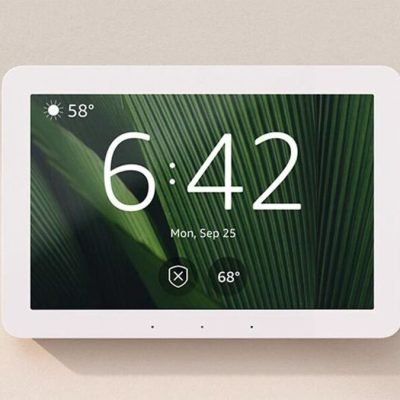
They listen for a wake word locally; audio is only sent to the cloud after it. The real data trail is your request history — searchable and deletable in each assistant’s privacy dashboard. Prefer devices with a physical mic mute switch, and use it in bedrooms.
Smart TVs
The quiet over-collector: Automatic Content Recognition (ACR) tracks what you watch — including from other inputs — for ad targeting, often enabled by default. Dig into settings and turn ACR off; the TV loses nothing you will miss.
Cameras and doorbells
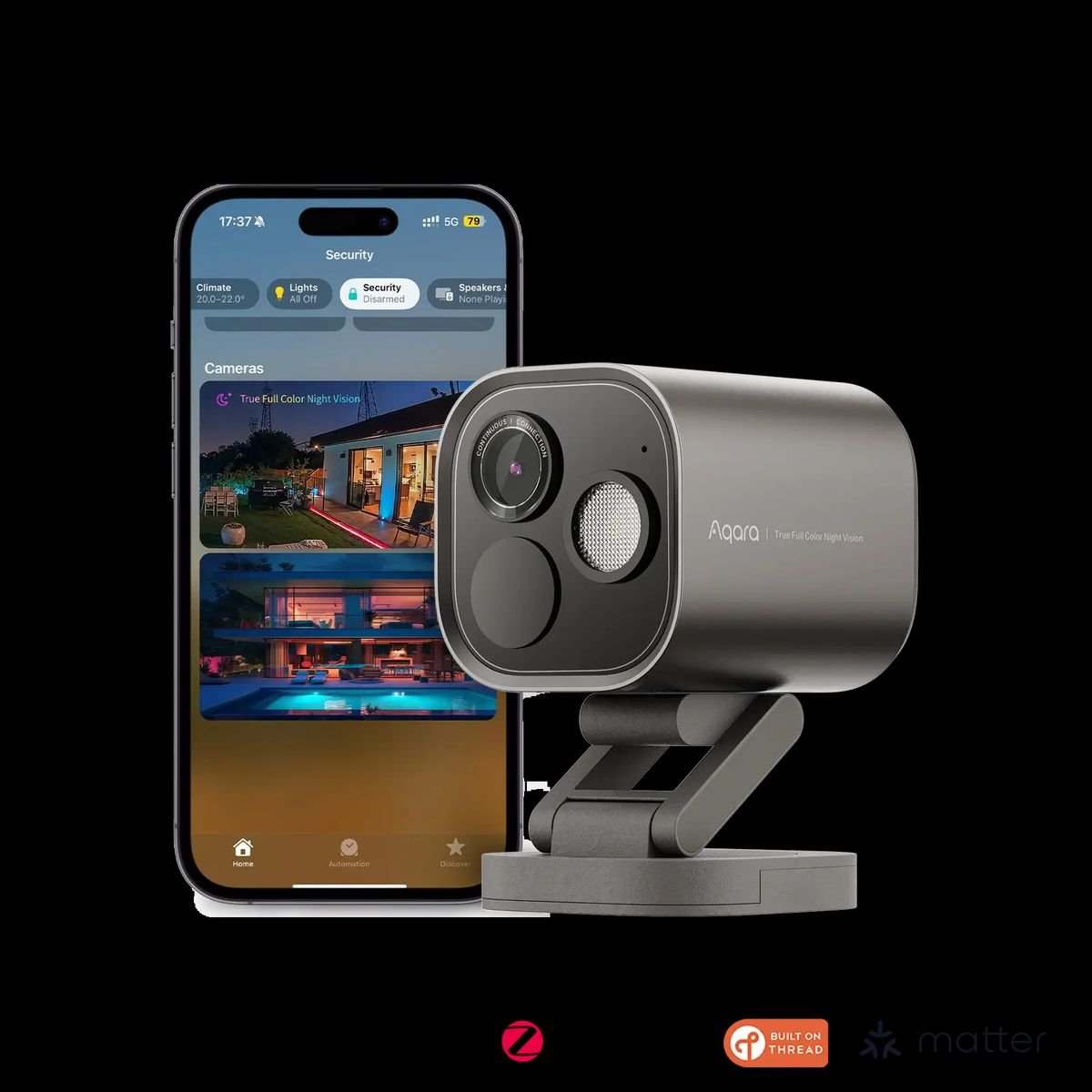
The highest-stakes category. Cloud storage means your footage lives on someone’s server; check whether the brand offers end-to-end encryption and where its servers are. Local storage (SD card, NAS, HomeKit Secure Video to your own iCloud) keeps footage inside your walls. Never point indoor cameras at beds or bathrooms, and use privacy shutters when home.
Sensors, plugs and bulbs
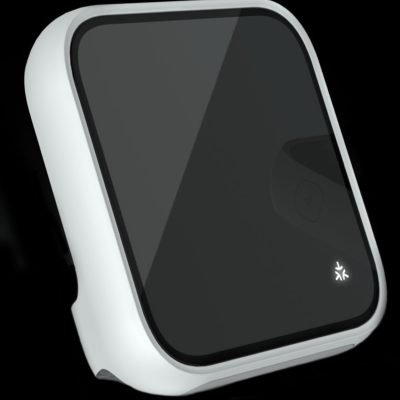
Low risk individually — but presence patterns (when you wake, leave, return) are inferable from the logs. This is a reason to prefer local-first platforms where automation logic runs in your house.
The five-minute hardening routine
1) Open each assistant’s privacy dashboard, delete history, disable “improve services” audio review. 2) Turn off ACR on the TV. 3) Enable two-factor authentication everywhere. 4) Put devices on a guest network. 5) Choose local storage when a device offers it.
You do not have to choose between a smart home and a private one — you just have to spend one evening on settings nobody reads.